



Overview
LogicalDOC is designed for organizations that operate across borders. Its multilingual capabilities ensure that teams, customers, and partners can collaborate seamlessly, regardless of language. Beyond simple interface translation, LogicalDOC intelligently indexes, searches, and manages documents in many languages, making it a powerful solution for global environments.
Supported Languages
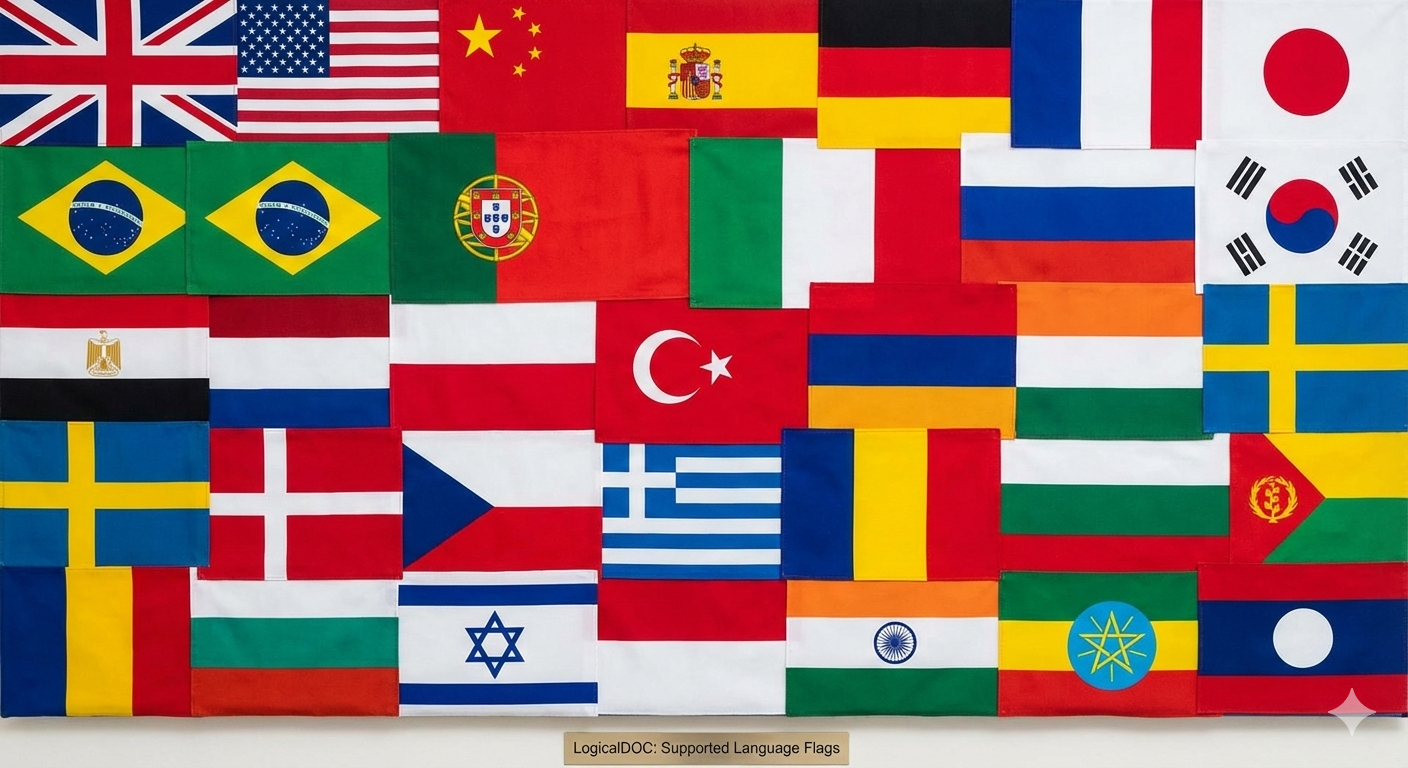
With version 9.2.2, LogicalDOC’s graphical interface now supports 26 localizations, offering one of the most comprehensive multilingual experiences in the document‑management market.
Supported languages include:
English, Chinese (Simplified), Spanish, German, French, Japanese, Portuguese (Brazil), Italian, Russian, Korean, Arabic, Chinese (Traditional), Portuguese, Dutch, Polish, Turkish, Swedish, Danish, Czech, Greek, Romanian, Bulgarian, Hebrew, Indonesian, Hindi, Amharic, and Lao.
This extensive coverage ensures that organizations can deploy LogicalDOC across global teams while maintaining a consistent and localized user experience.
Key Features
Localized User Interface
Each user can select their preferred language for:
-
Menus and navigation
-
System messages and notifications
-
Configuration and administration panels
-
Workflow and automation tools
This reduces onboarding time and ensures a consistent user experience across regions.

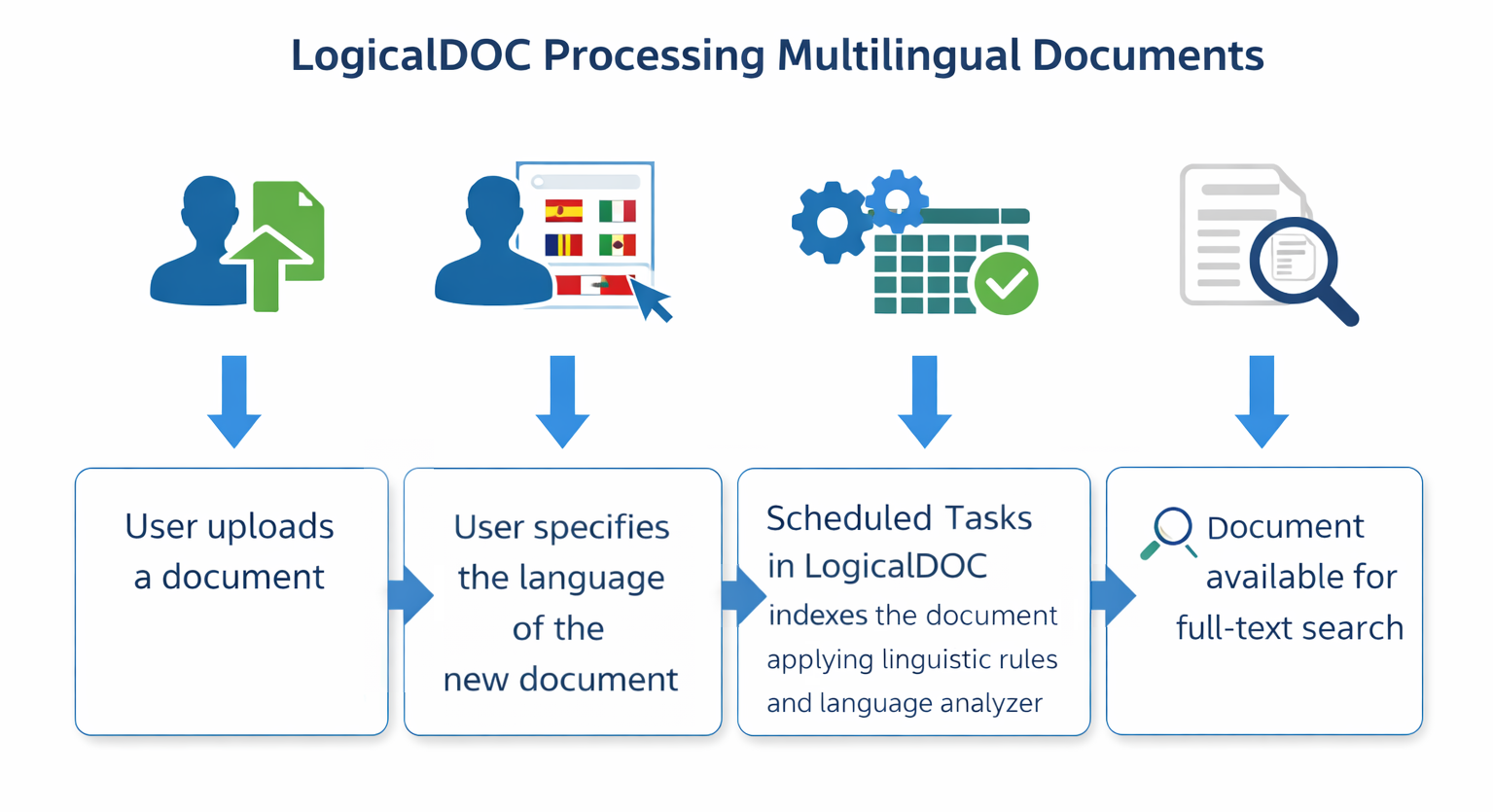
Language‑Specific Indexing and Search
LogicalDOC uses specialized linguistic analyzers for each supported language. This enables:
-
Accurate full‑text indexing
-
Proper stemming and tokenization
-
Language‑aware search queries
-
More relevant search results
Users find what they need faster, even in large multilingual repositories.
Multilingual Document Management
LogicalDOC allows you to store, classify, and retrieve documents in any supported language. Features include:
-
Language‑specific search filters
-
Unified management of international correspondence
-
Support for multilingual compliance and legal archives
This is ideal for global operations, customer service teams, and international legal departments.
Community‑Driven Translation Program
LogicalDOC encourages community participation to continuously improve and expand language support.
Online Translation Program
Users and partners can contribute translations or refine existing ones through the official translation portal: https://wiki.logicaldoc.com/wiki/Translate_LogicalDOC
Public Translation Project on Launchpad
For open collaboration, LogicalDOC also maintains a public translation project on Launchpad: https://translations.launchpad.net/logicaldoc/trunk/+translations
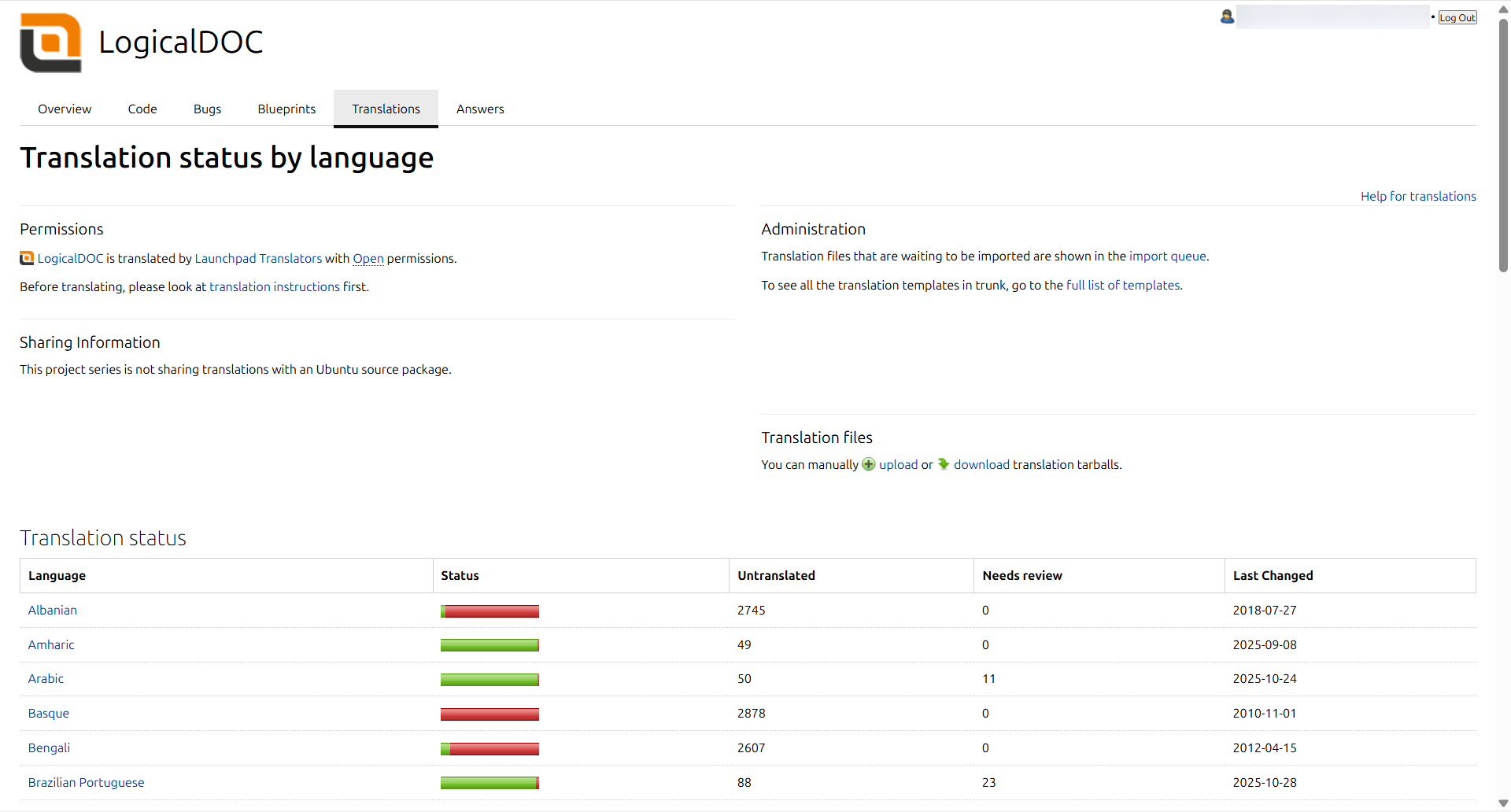
These platforms allow contributors to:
-
Add new languages
-
Improve existing translations
-
Customize terminology for industry‑specific needs
This ensures LogicalDOC evolves with the needs of its global user base.
Mobile‑Optimized Multilingual Interface
When accessed from mobile devices, LogicalDOC automatically redirects users to a dedicated interface optimized for smartphones and tablets. This mobile UI also supports multiple languages, ensuring consistent usability across devices.
Benefits for Your Organization
🌐 Global Accessibility
Teams across different countries can work in their native languages without friction.
🔍 Accurate Search Across Languages
Language‑specific indexing ensures precise and relevant search results.
🤝 Improved Collaboration
Multilingual support removes communication barriers and enhances teamwork.
🛠️ Customizable and Extensible
Organizations can tailor translations or add new languages as needed.
Use Cases
International Customer Support
Manage tickets, emails, and attachments in multiple languages with accurate classification and search.
Global Compliance and Legal Teams
Handle multilingual contracts, regulations, and legal correspondence in a unified repository.
Multinational Corporations
Provide employees worldwide with a localized interface and consistent workflows.
Public Sector and NGOs
Serve multilingual communities while maintaining centralized document governance.
How to Enable GUI Languages
LogicalDOC includes configuration options that allow administrators to activate or deactivate available languages. Users can then choose their preferred language from their personal settings.
Conclusion
LogicalDOC’s multilingual support transforms it from a simple document repository into a powerful global collaboration platform. By combining localized interfaces, intelligent language‑aware indexing, and community‑driven translation tools, it ensures that organizations can operate efficiently across borders and languages.
Whether you're managing international teams, handling multilingual documents, or serving a diverse customer base, LogicalDOC provides the tools needed to stay connected and productive in a multilingual world.
